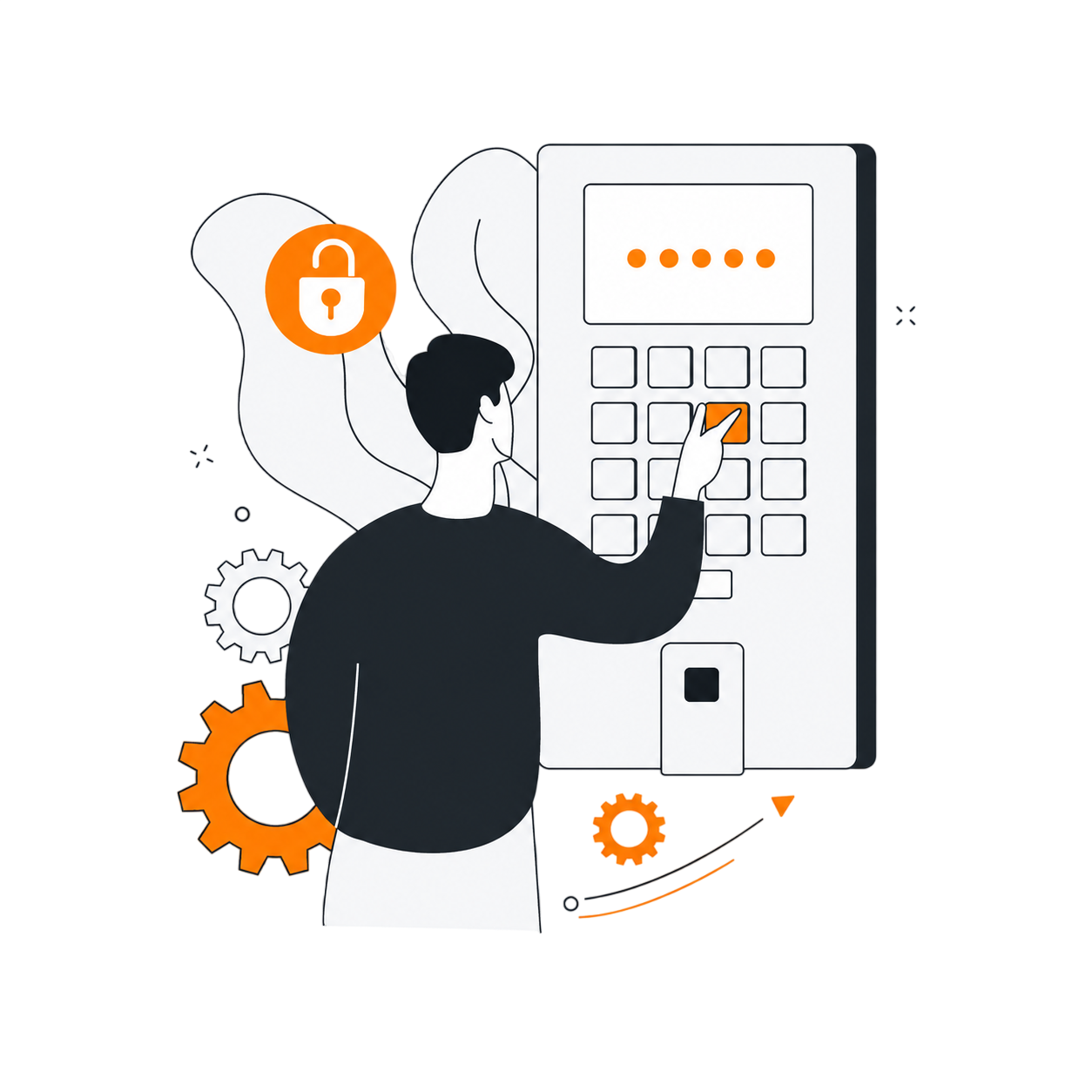
Remote access for everyone, everywhere
Connect to any device from anywhere — start a support session with a code, control machines by their ID, run video meetings, and chat with your team. Remote sessions are end-to-end encrypted, with no VPN or setup.
 Remote365Sign-in and introduction
Remote access, support and teamwork in one place
- Remote control
- Unattended access
- Session codes
- Video meetings
- Team chat
- File transfer
- Clipboard sync
- Multi-monitor
- Two-factor sign-in
- Role-based access
What is Remote365?
Remote365 is a secure remote access platform that lets you connect to any device from anywhere. Start a session with a code, access devices by ID, run meetings, and chat with your team — with remote sessions protected by end-to-end encryption.
Everything in one app
Support sessions, access to your own devices, meetings and chat, with the same security everywhere.
Help someone in seconds
Create a session and share its one-time code or link. The person you are helping joins in the Remote365 app and approves the request, and their screen opens in your session view. They do not need an account.
- Full keyboard and mouse control, including multiple monitors
- View-only mode when you only need to watch
- Two-way file transfer and clipboard sync
- Chat with the person you are helping
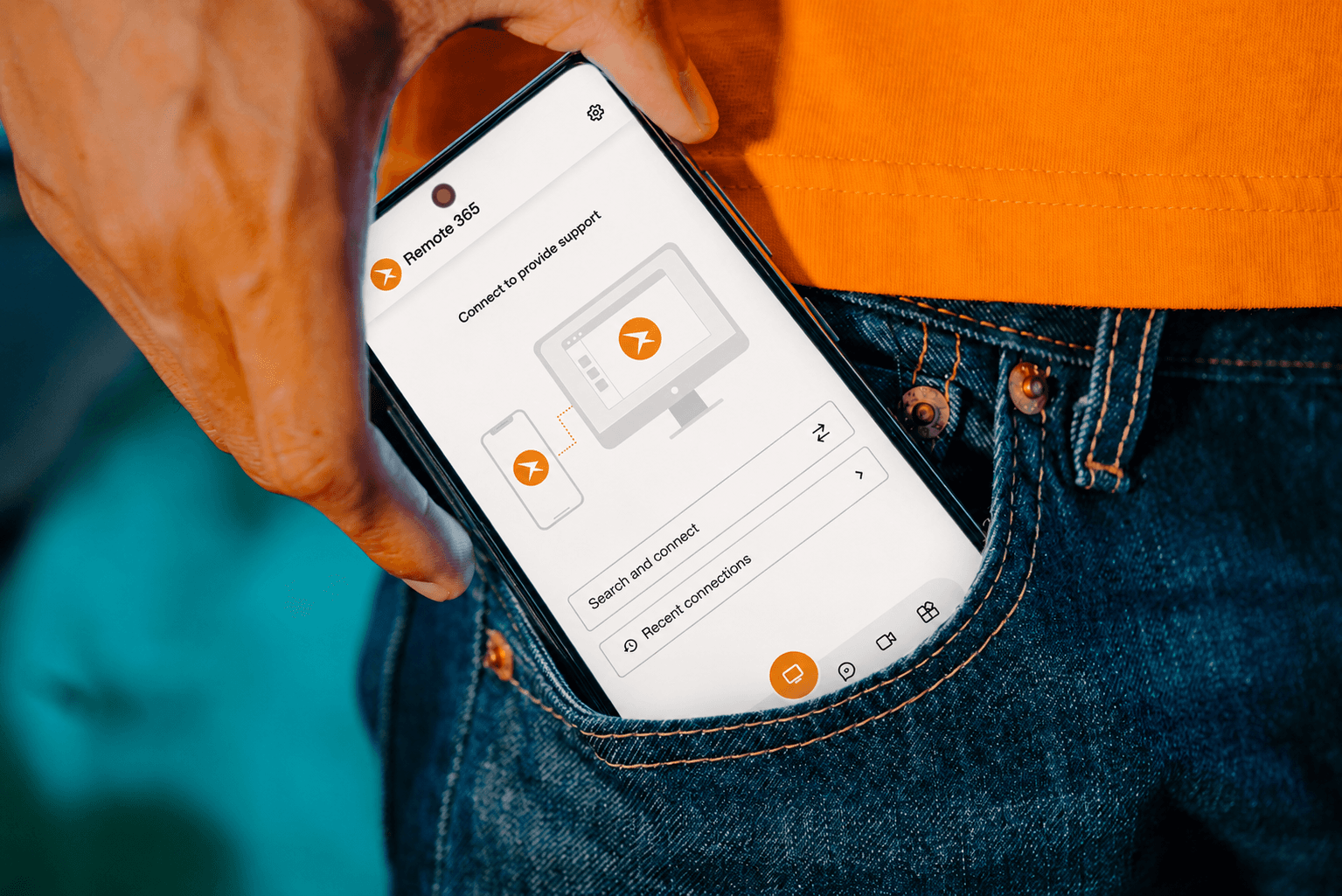
Reach your own computers any time
Every registered device has a permanent 9-digit ID and a password. Turn on auto-host, and you can connect to it by ID from the desktop app, the Android app or a browser, even when nobody is in front of it.
- Regenerate a device password at any time
- Members only see the devices they have been granted
- No VPN, port forwarding or firewall changes
Meet without switching apps
Start a video meeting and invite anyone with a code or link. Participants join from the desktop app, the mobile app or a browser, and guests do not need an account.
- Screen sharing and chat during the call
- Schedule a meeting for later and add it to Google Calendar
- The same app you use for remote support

Keep your team talking between sessions
Built-in chat keeps support conversations next to the tools that fix things, so a message can turn into a remote session or a meeting in one click.
- Direct messages and group chats
- Share files and record voice notes
- Jump from a conversation into a session or meeting
You decide who reaches what
Every remote session is encrypted end to end, and Remote365 staff cannot view your sessions unless you ask for support. Access is set member by member.
- Owner, Admin and Viewer roles, plus access granted per device and member
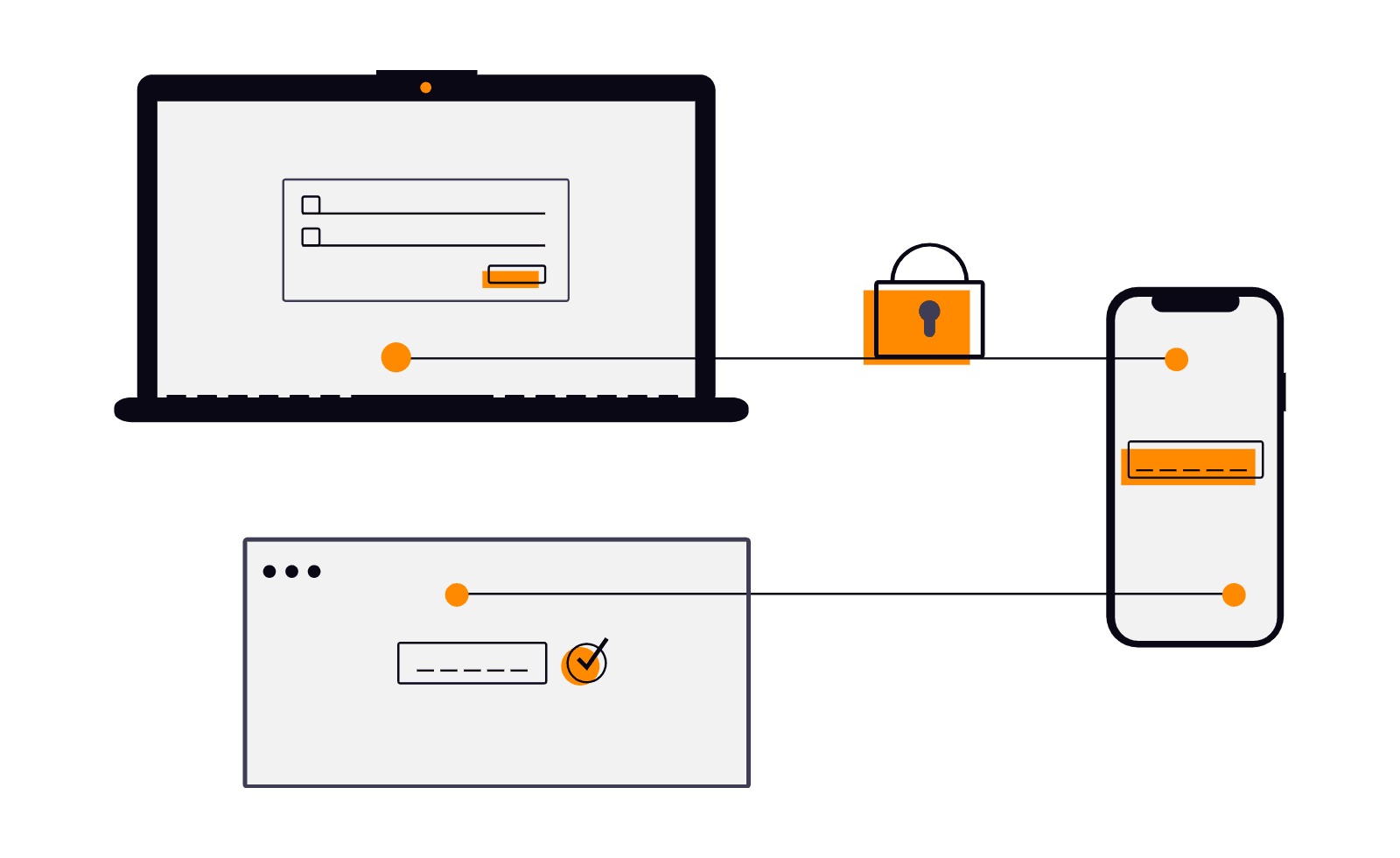
- Two-factor authentication for every account, enforceable on Business
- Session recording on the Business plan
Share with friends and family
Grant access to specific machines for the people you trust — so they can reach that one computer, without exposing anything else you own.
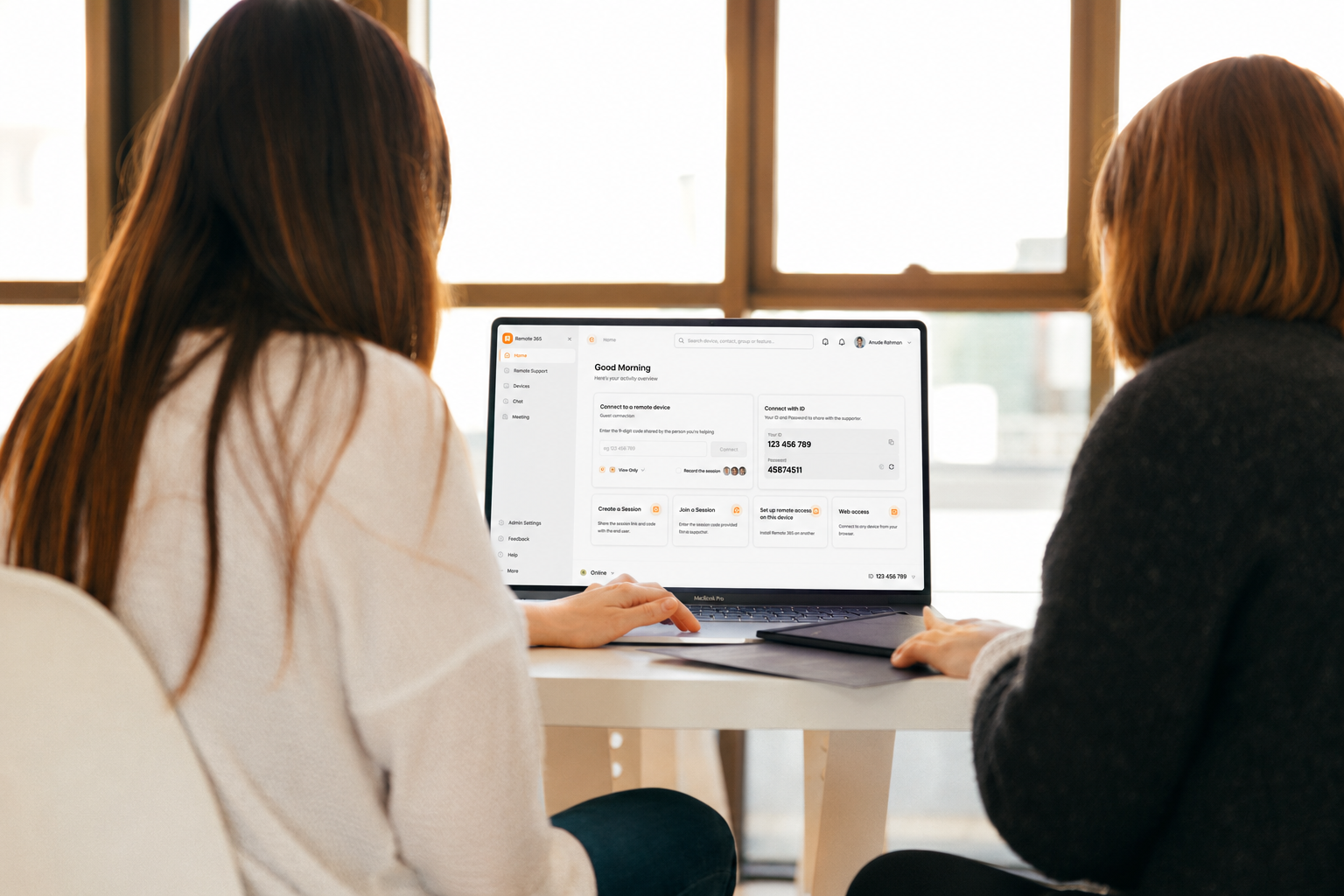
Tell us what you need
Remote365 grows with the people who use it. Tell us how you use it, what’s missing, or what would save you time, and the team reads every message.
Our commitment to security
Every remote session is end-to-end encrypted. Role-based access control, forced two-factor authentication, and full audit logs keep your team and every device protected.