Remote access · Meetings · Support

Remote access toany device

Remote365 makes remote access effortless — connect to any device, run live meetings, chat with your team, and support anyone from anywhere in seconds.

Remote access, support and teamwork in one place

  • Remote control
  • Unattended access
  • Session codes
  • Video meetings
  • Team chat
  • File transfer
  • Clipboard sync
  • Multi-monitor
  • Two-factor sign-in
  • Role-based access

Use cases

One app for every kind of remote help

From the office help desk to a parent’s phone in another country: how people use Remote365 today.

04

Family support

Help your family with their phone or PC from anywhere

Install the Windows app or the Android host app on a parent’s device and help them from wherever you are, whether they are in Lahore and you are in Dubai, Riyadh, Toronto or Houston.

Read the story
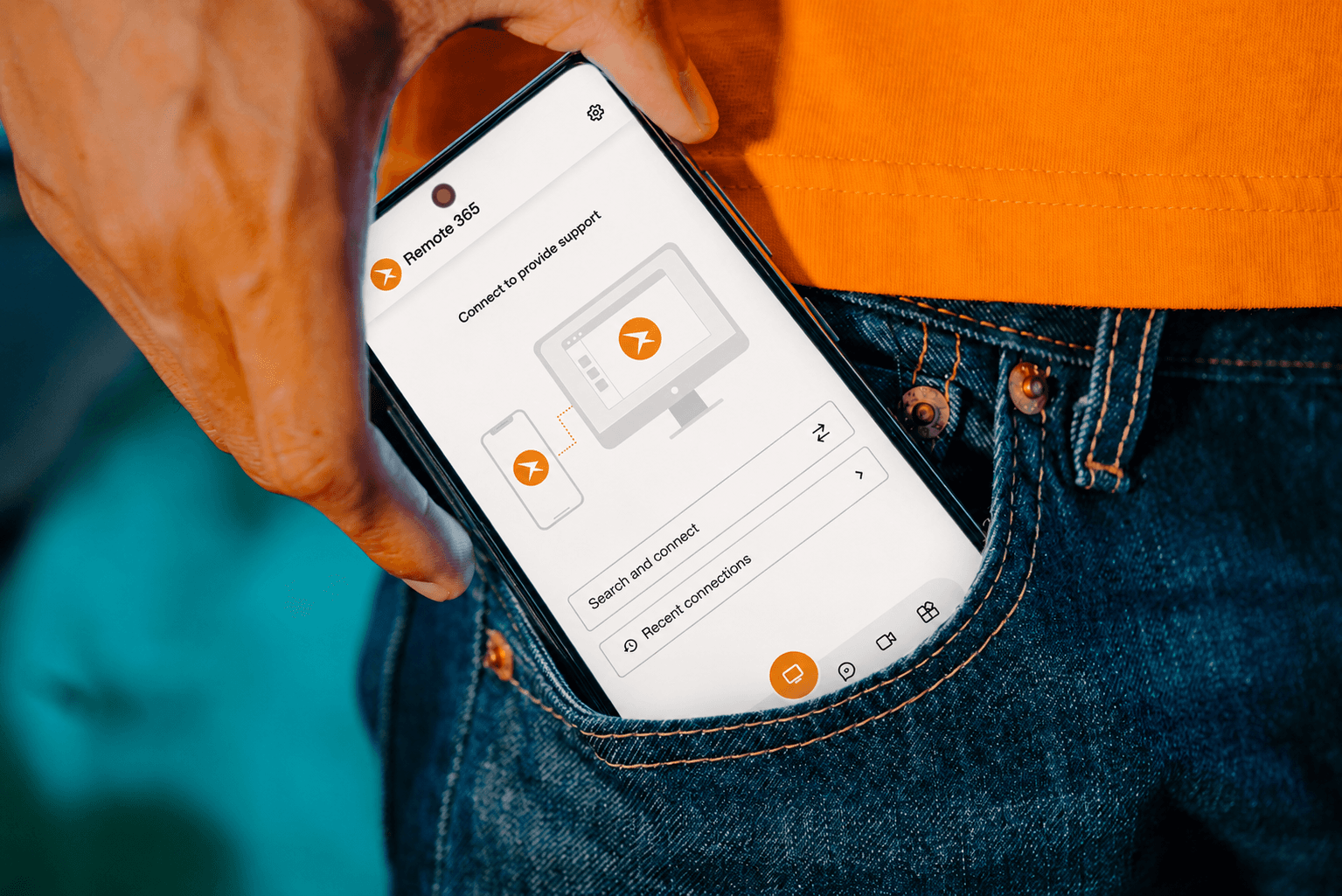

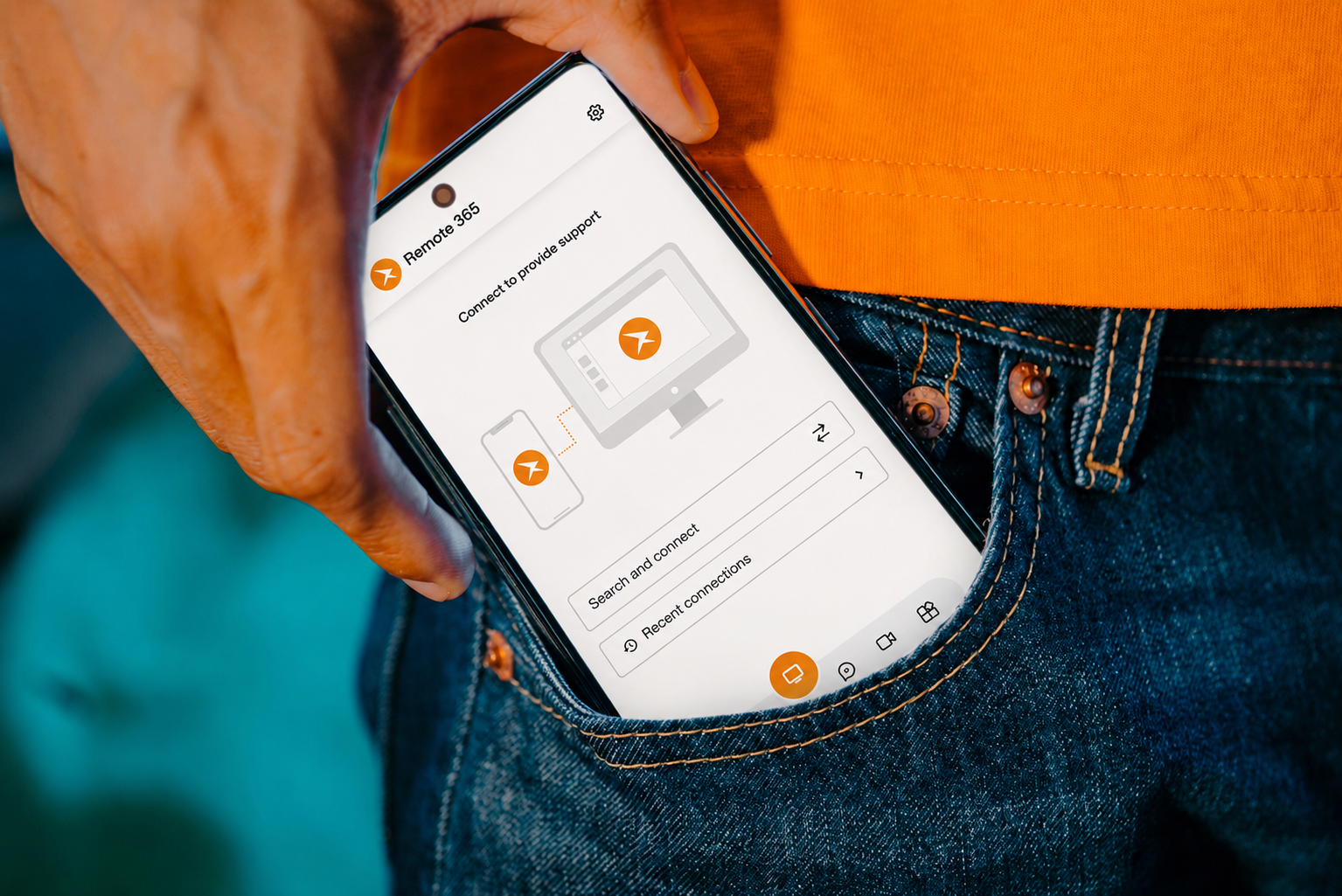
A phone running the Remote365 app
03

Remote and hybrid teams

Keep a distributed team working like it shares one office

Reach your office computer from home, jump into a video meeting, and message teammates in built-in chat, all in the same app on Windows, Android and the web.

Read the story
A man in a video meeting on his laptop at home
02

Managed service providers

Look after every client’s machines from one dashboard

Group devices by client, give each technician access to only the machines they look after, and reach unattended servers and workstations by their device ID, even when nobody is in front of them.

Read the story
A world map of connected devices above a laptop keyboard
01

IT help desk

Fix a colleague’s computer without walking to their desk

Send them a one-time session code, they join in the Remote365 app and approve, and you see their screen, fix the problem and hand control back. Remote sessions are end-to-end encrypted, and they need no account.

Read the story
Two colleagues looking at a laptop running Remote365
123 456 789
987 654 321
456 789 123
789 123 456

Remote365 makes remote access easy

Every device gets its own ID and password. Share them and anyone can connect in seconds — no VPN, no port forwarding, no configuration.

Example device ID
Learn more

Access your devices from anywhere in the world

Connect to any of your devices with its 9-digit ID — from your browser, desktop app, or phone. Full remote control, file transfer, clipboard sync, and multi-monitor support all included.

Try it now
KarachiLahoreIslamabadRiyadhJeddahDubaiAbu DhabiTorontoVancouverNew YorkHouston

Support, meet, and chat — in one app

Start a support session with a code, host a live video meeting, or message your team in built-in chat — with file transfer everywhere. Everything you need to work together remotely.

Explore collaboration
Remote365 video meeting

Your home, always within reach

Reach your home PC, media server, or family’s computers from anywhere and help them out in a click. Start with a 15-day free trial.

Remote365 running on a phone
Why Remote365

Up in minutes

Install Remote365, register your device, and start accepting remote connections — no IT department needed.

Desktop, mobile and web

Apps for Windows and Android, and access from any modern browser. macOS and iOS apps are coming soon.

Secure by design

End-to-end encrypted remote sessions, role-based access, and forced two-factor authentication keep every device safe.

Simple, Powerful, and Reliable

Security you can trust

Every remote session is end-to-end encrypted. Role-based access control, forced two-factor authentication, and full audit logs keep your team and every device protected.

Learn more
End-to-end encrypted
Your device
Remote365Sign-in and introduction
Encrypted relayOnly if needed
Their device
Remote365 signs both devices in and introduces them. The session itself then runs directly between them, end-to-end encrypted. When no direct path exists, an encrypted relay carries it, so there is still no VPN or port forwarding to set up.

Ready to Experience the Future?

Get Started for Free