
Remote and hybrid teams
Keep a distributed team working like it shares one office
Remote365 combines remote desktop, video meetings and team chat in one app, so a distributed team can reach office computers from home, meet with a code or link, and message each other between sessions, on Windows, Android and in any modern browser.
Updated
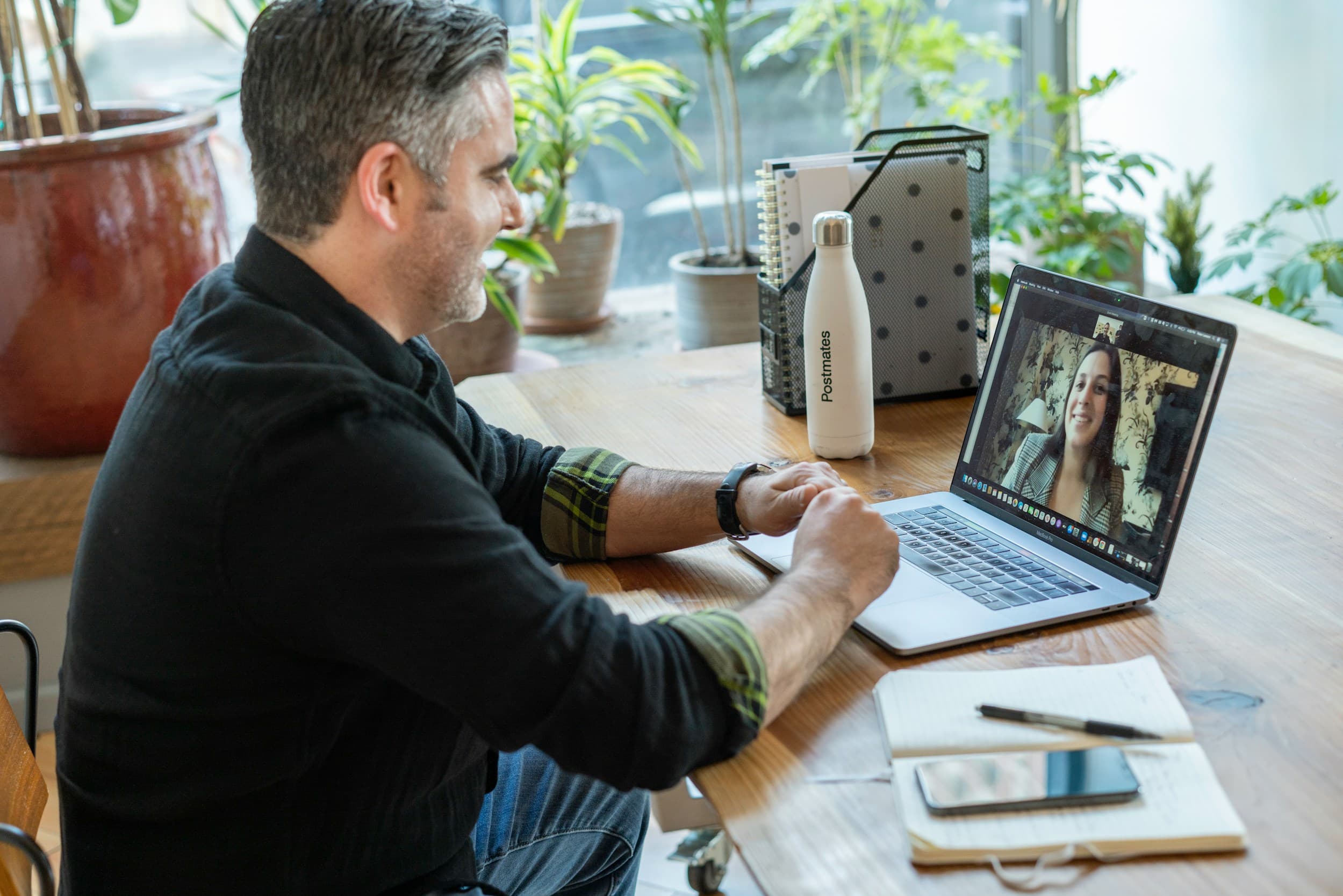
Can I use my office computer from home?
Yes. Register the office computer, turn on unattended access, and connect to it by its device ID from home, from the desktop app, the Android app or a browser.
What about meetings and chat?
Start a video meeting and invite anyone with a code or link; participants join from desktop, mobile or browser, with screen sharing and chat during the call. Team chat keeps people connected between sessions with messages, files and voice notes, and can jump straight into a session or meeting.
How is access kept safe?
Remote sessions are end-to-end encrypted. Owners and admins decide who can reach which device, and two-factor authentication can be turned on for every account.
Questions and answers
Do meeting guests need an account?
No. Guests join with the meeting code or link.
Which devices can I connect from?
The Windows desktop app, the Android app, or any modern browser. macOS and iOS apps are coming soon.