
Family support
Help your family with their phone or PC from anywhere
Remote365 lets you help relatives with their computer or Android phone from another city or country. They share a session code, or you set up unattended access once, and you can see their screen and fix things yourself, with the remote session end-to-end encrypted.
Updated
How do I help a parent once?
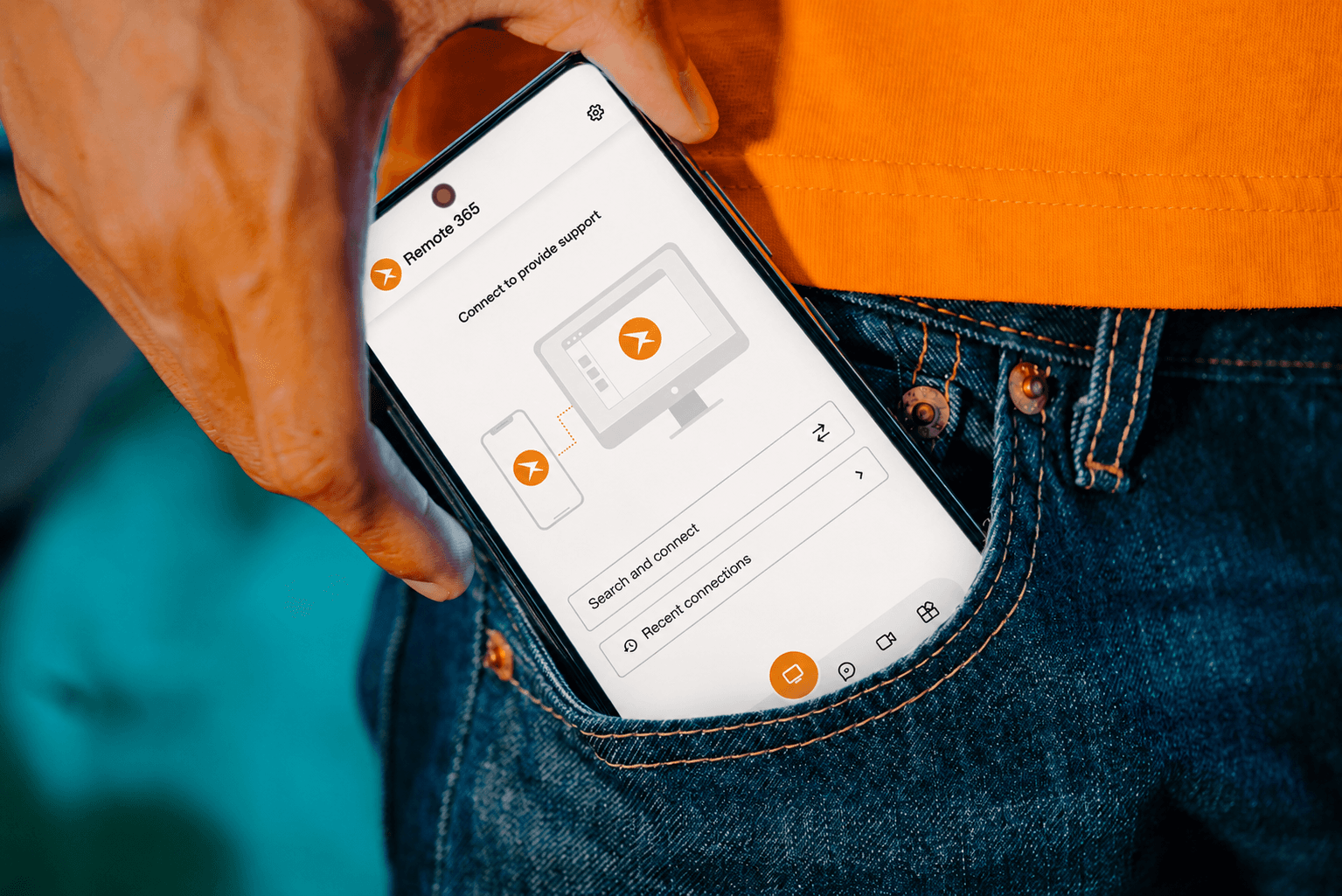
Start a support session and send them the code or link on WhatsApp or by text. They open it in the Remote365 app, approve the connection, and you can see and control their screen. If the app is not installed yet, the link offers the download.
How do I set it up so I can help any time?
Install Remote365 on their Windows PC, or the Remote365 Host app on their Android phone, and turn on unattended access. You can then connect by device ID whenever they need you, even across time zones while they sleep.
Can I share access with a sibling?
Yes. You can grant access to one specific device to people you trust, without exposing anything else you own.
Questions and answers
Does my parent need to understand the app?
For a one-off session they install Remote365 once, open the link you send and approve the connection. With unattended access set up, they do not need to do anything.
Does it work on Android phones?
Yes. Install the Remote365 Host app on the phone you want to help with; you control it from the Windows app, the Android app or a browser.